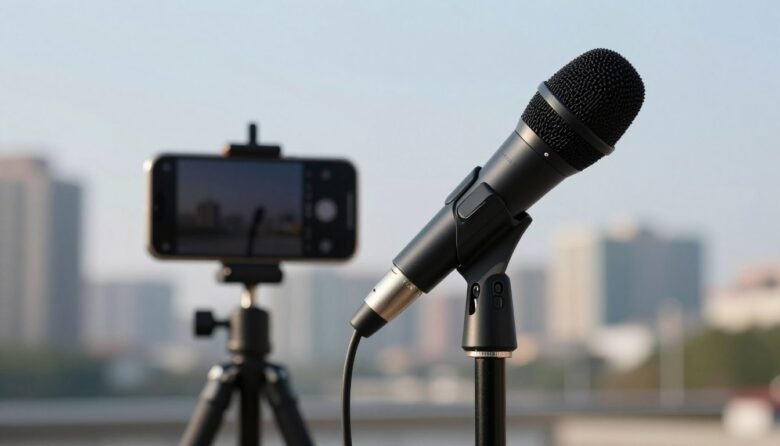
A dedicated directional microphone can make smartphone dialogue easier to understand, but the microphone alone is not the whole solution. Connection type, placement, wind protection, gain, and the distance from the speaker all affect the recording.
The best mobile microphone is therefore not simply the model with the longest body or the most controls. It is the one that connects reliably to your phone, fits your filming setup, and can be positioned close enough to the person speaking.
Key Takeaways
- Check your phone’s connector and audio compatibility before choosing a microphone.
- A shotgun or directional microphone reduces pickup from some off-axis directions; it does not erase traffic, crowds, or room echo.
- Moving the microphone closer to the speaker usually helps more than buying a longer microphone and leaving it on the phone.
- Use a shock mount and suitable windshield when recording handheld or outdoors.
- Make a test recording in the exact camera app and configuration you intend to use.
What a Mobile Shotgun Microphone Can—and Cannot—Do
A traditional shotgun microphone uses an interference tube to increase directionality, particularly at higher frequencies. Some compact phone microphones use a cardioid or supercardioid capsule without a long interference tube. These are still useful directional microphones, but they should not be expected to behave like full-size production shotguns.
Directionality helps when the microphone is aimed at the speaker and unwanted sounds arrive from less sensitive angles. It does not give the microphone extra reach, and it cannot separate a distant voice from noise arriving from the same direction. Our guide to off-axis rejection explains this limitation in more detail.
Distance remains critical. A phone-mounted microphone may work well for an arm’s-length vlog, but dialogue becomes more dependent on the room and surrounding noise as the phone moves farther away. For a seated interview or wider shot, placing the microphone on a short boom can be more effective than keeping it on the phone. See our comparison of boom-pole and on-camera mounting.
What to Check Before Buying
Phone Connector and Audio Format
USB-C microphones contain their own digital audio electronics and connect directly to compatible USB-C phones. This can simplify the signal path, but connector shape alone does not guarantee compatibility. Check the manufacturer’s current operating-system and device requirements.
Analog 3.5mm microphones commonly use a TRRS phone cable. If your phone lacks a headphone socket, you will need an adapter that supports microphone input, not merely headphone playback. A camera-style TRS cable and a phone-style TRRS cable may look similar but are wired differently.
Lightning-equipped devices need a microphone or digital cable specifically designed for that connection. A generic charging cable will not necessarily carry audio from a USB microphone.
Power Requirements
Some compact microphones run on plug-in power supplied by the phone, camera, or adapter. Others have an internal rechargeable battery or use replaceable batteries. Passive operation is convenient, but the connected device must provide the voltage the microphone requires.
Mounting and Orientation
A direct-connect microphone keeps the rig small, while a cold-shoe microphone requires a phone cage, clamp, grip, or tripod with an accessory mount. Confirm that the microphone will not enter the frame when using an ultrawide camera.
The microphone capsule must also face the speaker. This is especially important when switching between rear-camera filming and selfie vlogging.
Monitoring and Level Control
A headphone output is valuable when the phone itself offers no convenient monitoring connection. However, monitoring availability can depend on the microphone’s connection mode and the recording app. Always confirm that the app is using the external microphone before an important take.
Wind and Handling Protection
Foam can help with breath and light air movement. A fitted furry windshield provides more protection outdoors, although no compact cover can make severe wind harmless. The differences are covered in our guide to foam and furry microphone windshields.
A shock mount reduces vibration transferred through the phone rig. It cannot eliminate every bump, so keep cables secured and avoid touching the mount or microphone during a take.
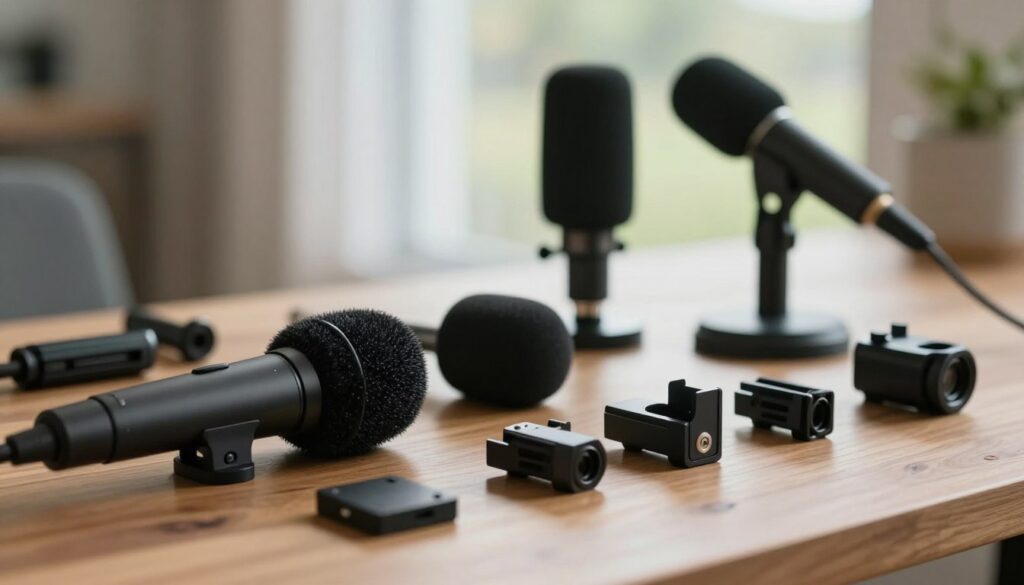
Recommended Shotgun and Directional Microphones for Smartphones
The following models suit different mobile workflows. These recommendations are based on documented connectivity and features rather than unsupported claims that one microphone will sound best in every setting.
RØDE VideoMic Me-C+: Best for a Minimal USB-C Rig
The VideoMic Me-C+ connects directly to compatible Android and iOS devices with USB-C. It is a compact cardioid directional microphone rather than a conventional long interference-tube shotgun.
It requires no battery and includes a fitted furry windshield. Its 3.5mm socket is a headphone output for monitoring and playback, not an analog microphone output.
- Good fit for: handheld vlogging, travel, short interviews, and creators who want very little cabling.
- Main advantage: direct USB-C connection with a compact physical design.
- Check before buying: current phone and operating-system compatibility. It does not connect directly to a Lightning port.
Deity V-Mic D4 Mini: A Compact Passive 3.5mm Option
The V-Mic D4 Mini is a small supercardioid on-camera microphone powered by the connected device. Deity includes a TRS camera cable, a TRRS phone cable, a shock mount, and a furry windshield.
It also has an auxiliary input for adding a second source, such as a wireless receiver. How the two signals are assigned or combined depends on the cable and recording device, so test the channel layout before relying on that feature.
- Good fit for: creators who switch between a phone and a small camera.
- Main advantage: no battery to charge and both camera and phone cables are supplied.
- Check before buying: phones without a 3.5mm socket need an adapter that accepts TRRS microphone input and supplies compatible plug-in power.
Sennheiser MKE 200 Mobile Kit: Best Complete Starter Rig
The MKE 200 Mobile Kit combines a compact supercardioid microphone with a smartphone clamp and Manfrotto PIXI mini tripod. The microphone has integrated wind protection and internal suspension, and the kit also includes a furry windshield.
Both TRS and TRRS cables are supplied, allowing the microphone to connect to compatible cameras or mobile devices. The microphone operates without its own battery.
- Good fit for: new mobile creators who need a microphone, phone holder, and small support in one package.
- Main advantage: a coordinated handheld and tabletop setup with few separate parts to select.
- Check before buying: a suitable audio adapter is still required when the phone has no analog input.
Sennheiser MKE 400 Mobile Kit: Best for More On-Mic Control
The MKE 400 is a compact shotgun microphone with a supercardioid pattern produced using an acoustic interference tube. It adds a low-cut filter, three sensitivity settings, and a headphone output with volume adjustment.
The Mobile Kit includes the microphone, phone clamp, mini tripod, TRS and TRRS cables, and a furry windshield. This makes it more configurable than the MKE 200, although it also gives the operator more settings and battery management to consider.
- Good fit for: travel reporting, interviews, and mobile shoots where headphone monitoring is important.
- Main advantage: gain sensitivity, low-frequency filtering, and monitoring are available on the microphone.
- Check before buying: confirm the required adapter and whether the recording app supports the monitoring workflow you want.
RØDE VideoMic NTG: Best Hybrid for Phone, Camera, and Computer Use
The VideoMic NTG provides both an auto-sensing 3.5mm output for compatible cameras and mobile devices and a USB-C digital connection for phones, tablets, and computers. Its controls include variable gain, high-pass filtering, a pad, and a safety channel.
When the microphone is used as a USB device, its 3.5mm socket can serve as a headphone output. It has an internal rechargeable battery and is larger than a direct-connect phone microphone, so it is better suited to a phone cage, grip, tripod, or small boom.
- Good fit for: creators who want one configurable microphone for mobile video, camera work, voice-over, and desktop recording.
- Main advantage: flexible analog and digital connections with onboard level controls.
- Check before buying: the correct USB or analog cable depends on the phone connector, and some smartphone compatibility varies by manufacturer.
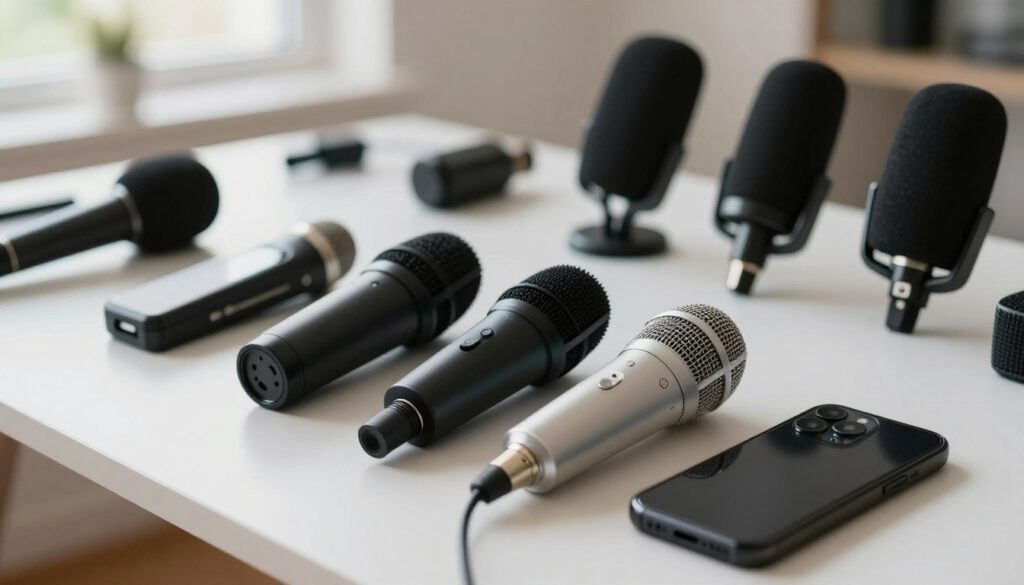
How to Choose Between These Options
- Choose the VideoMic Me-C+ if the smallest possible USB-C setup is the priority.
- Choose the V-Mic D4 Mini if you need a passive 3.5mm microphone that can move between a phone and camera.
- Choose the MKE 200 Mobile Kit if you also need a phone clamp and mini tripod.
- Choose the MKE 400 Mobile Kit if onboard monitoring and additional controls matter.
- Choose the VideoMic NTG if you want a more adaptable microphone for phone, camera, and computer recording.
Do not choose solely by microphone length. For mobile use, connector reliability, mounting, wind protection, and working distance are usually more consequential than small differences on a specification sheet.
Setting Up a Smartphone Shotgun Microphone
- Assemble the complete rig. Install the phone, microphone, cable, adapter, shock mount, and windshield before checking balance or framing.
- Confirm the connector is fully seated. Thick phone cases can prevent USB-C, Lightning, or 3.5mm plugs from making a complete connection.
- Aim the microphone at the speaker. Do not assume it is correctly oriented after changing from the rear camera to the selfie camera.
- Move it as close as the shot allows. For a wider composition, use a short extension cable or boom rather than relying on extra gain.
- Record a level test. Speak at the loudest expected volume and leave headroom. Our guide to setting gain and preventing clipping covers the process.
- Listen to the recording. Check for wind, cable knocks, digital connection problems, room echo, and clipping before filming the full segment.
When a Lavalier Is the Better Choice
A phone-mounted shotgun is convenient when the camera remains close to the speaker. It becomes less predictable when the subject walks away, turns around, or appears in a wide shot.
For a presenter moving through a scene, a wired or wireless lavalier keeps the microphone near the voice. A boom-mounted shotgun is often preferable when the microphone must remain out of sight and an operator or stand can keep it close. Our shotgun-versus-lavalier comparison can help with interview planning.
For two-person interviews, a single phone-mounted shotgun may favor whichever person is closer or more directly on-axis. Consider a boom positioned between the speakers, separate lavaliers, or a microphone designed for a suitable two-person pickup arrangement.
Common Mobile Recording Mistakes
- Using a headphone-only adapter: the microphone may appear connected while the phone continues recording through its built-in mic.
- Confusing TRS and TRRS cables: use the cable specified for the destination device.
- Leaving the microphone too far away: raising gain also raises room sound and noise already present at the microphone.
- Expecting complete background-noise removal: directionality works by angle, not by identifying which sound is wanted.
- Recording outdoors with bare foam: use the supplied furry windshield when wind is more than a light movement of air.
- Skipping the test clip: a short playback can reveal a blocked connector, incorrect input, reversed orientation, or clipped level.
Final Recommendation
For a USB-C phone and the smallest possible rig, the RØDE VideoMic Me-C+ is a straightforward directional option. The Deity V-Mic D4 Mini and Sennheiser MKE 200 suit creators who prefer simple analog operation, while the MKE 400 and VideoMic NTG offer more control and monitoring.
Whichever model you choose, treat placement as part of the purchase. A modest microphone positioned close to the speaker can produce more useful dialogue than a feature-heavy shotgun left several feet away on the phone.
FAQ
Will one microphone work with both iPhones and Android phones?
Sometimes, but compatibility depends on the connector, cable, operating system, phone hardware, and recording app. USB-C models may support compatible devices on both platforms. Phones with Lightning require an appropriate Lightning microphone or manufacturer-approved digital cable. Analog microphones may need a TRRS-compatible audio adapter.
Is USB-C better than a 3.5mm connection?
Neither is automatically better. A USB microphone provides its own digital conversion and may add app controls or headphone monitoring. A 3.5mm microphone can be simple and easy to move between cameras and phones, but the phone or adapter supplies the input electronics and plug-in power.
Can a shotgun microphone remove traffic and crowd noise?
No. It can reduce sounds arriving from less sensitive directions, but it will still record noise that reaches the capsule. Traffic behind the speaker, strong reverberation, or a distant subject can remain prominent. Moving closer and choosing a quieter position are more reliable solutions.
Do I need both a shock mount and a windshield?
They solve different problems. A shock mount reduces vibration conducted through the phone rig, while a windshield reduces turbulence around the microphone capsule. Handheld outdoor recording commonly benefits from both.
Why does my phone still sound distant with an external microphone?
The most likely issue is microphone placement. A directional pattern changes sensitivity by angle, but it does not make a distant voice behave like a close one. Move the microphone nearer, reduce reflective surfaces where possible, and avoid compensating only by increasing gain.
How can I tell whether the phone is using the external microphone?
Record a short clip while speaking near the external microphone and gently scratching the outside of its windshield. Play the clip back at a safe volume. Repeat after disconnecting the microphone and compare the result. Do this in the same app you will use for filming.
What is a sensible budget choice?
The Deity V-Mic D4 Mini and Sennheiser MKE 200 are relatively simple passive options, but compare the complete setup rather than the microphone alone. A phone clamp, audio adapter, windshield, extension cable, or tripod can add to the total cost.
Can I use a mobile shotgun microphone for podcasting or voice-over?
Yes, particularly if the microphone offers USB connectivity or can be connected through a suitable interface. Place it close to the speaker and control room reflections. A microphone left on the far side of a desk is likely to capture more room sound than one mounted just outside the frame.
Should a solo vlogger choose a shotgun or wireless microphone?
A phone-mounted shotgun is convenient for close handheld filming. A lavalier or compact wireless microphone is usually easier to keep at a consistent distance when the presenter walks, turns away, or places the phone on a distant tripod.
Sources and further reading

The FieldMic Pro Editorial Team creates practical, research-based guides about microphones, recording techniques, audio equipment, and sound troubleshooting. Our articles are reviewed using official documentation, technical references, and clearly identified sources.