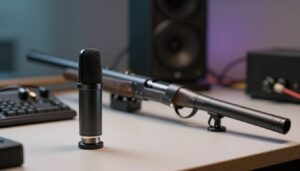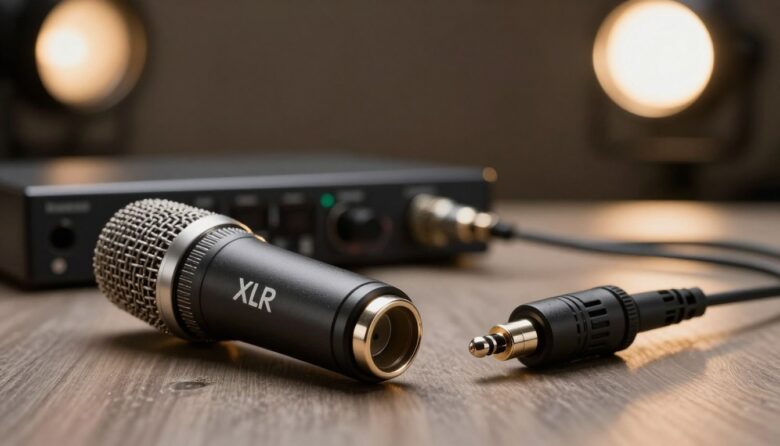
Choosing between an XLR and a 3.5mm shotgun microphone is mainly a workflow decision. XLR systems are better suited to long cable runs, external recorders, mixers, and cameras with professional audio controls. A 3.5mm microphone is usually lighter, simpler, and easier to connect directly to a DSLR, mirrorless camera, or mobile rig.
The connector alone does not determine sound quality. Microphone placement, room acoustics, wind protection, gain settings, microphone design, and the quality of the recording input can all matter more.
Key Takeaways
- Choose 3.5mm for a compact camera rig: It is convenient when the microphone will remain close to the camera input.
- Choose XLR for a more expandable system: It works well with field recorders, mixers, boom poles, and longer balanced cable runs.
- XLR does not automatically sound better: It must be part of a properly balanced signal path to provide its full noise-rejection benefit.
- Check power and wiring: Phantom power, plug-in power, TRS, and TRRS are not interchangeable terms.
- Prioritize microphone distance: Moving the mic closer to the speaker often improves dialogue more than changing connectors.
What Actually Changes Between XLR and 3.5mm?
Connector Type Is Not the Same as Sound Quality
A microphone’s capsule, interference tube, electronics, self-noise, frequency response, and placement affect the recording itself. The connector determines how that signal reaches the camera or recorder.
An XLR microphone can still sound noisy if it is connected to a poor preamp or placed too far away. Likewise, a well-designed 3.5mm microphone can produce clean dialogue when connected correctly and positioned close to the subject.
Balanced and Unbalanced Connections
Professional XLR microphone connections are normally balanced. A balanced input compares two signal conductors and rejects interference that appears equally on both, helping protect the signal along the cable. This is especially useful around lighting equipment, power cables, wireless transmitters, and other potential interference sources.
Most 3.5mm camera-microphone connections are unbalanced. They can work well over the short patch cables used on camera rigs, but they are generally more susceptible to noise as cable length increases. Balanced operation also requires compatible wiring at both ends; attaching an XLR plug does not balance an unbalanced signal by itself.
When a 3.5mm Shotgun Mic Makes Sense
A 3.5mm shotgun mic is often the practical choice for vlogging, travel, handheld shooting, and small mirrorless rigs. It can connect directly to a compatible camera without adding a recorder, XLR adapter, or extra audio cables.
Advantages
- Compact and lightweight
- Fast connection to many consumer and hybrid cameras
- Fewer components and cables to manage
- Some models provide output-level controls, filters, pads, or safety channels
For example, the RØDE VideoMic NTG has an auto-sensing 3.5mm output that supports camera TRS and mobile-device TRRS connections. It also has an adjustable output level, illustrating why the features of the microphone matter as much as its plug.
Limitations
- Ordinary mini-jacks usually do not latch into place, although locking 3.5mm systems exist.
- Long unbalanced cable runs can be more vulnerable to hum and radio-frequency interference.
- Camera inputs may provide limited gain control or monitoring compared with a field recorder.
- TRS and TRRS wiring must match the connected device.
A 3.5mm plug may carry stereo, dual-mono, or two different channel levels depending on the microphone. Do not assume every 3.5mm shotgun mic records stereo.
When an XLR Shotgun Mic Is the Better Choice
XLR is useful when the microphone will be mounted on a boom, connected through a long cable, or recorded by a dedicated field recorder or mixer. The connector is physically larger and typically latches, making accidental disconnection less likely.
Advantages
- Balanced operation with compatible microphones and inputs
- Reliable connection for boom and location recording
- Compatibility with many recorders, mixers, and cinema cameras
- Access to inputs with manual gain, mic/line selection, pads, and phantom power
- Easier expansion into multi-microphone production
XLR is not a guarantee of greater dynamic range, lower self-noise, or better off-axis rejection. Those characteristics depend on the microphone and recorder. If you are still selecting a model, compare the complete options in our guide to shotgun microphones for YouTube and content creation.
Power Requirements: Phantom Power and Plug-In Power
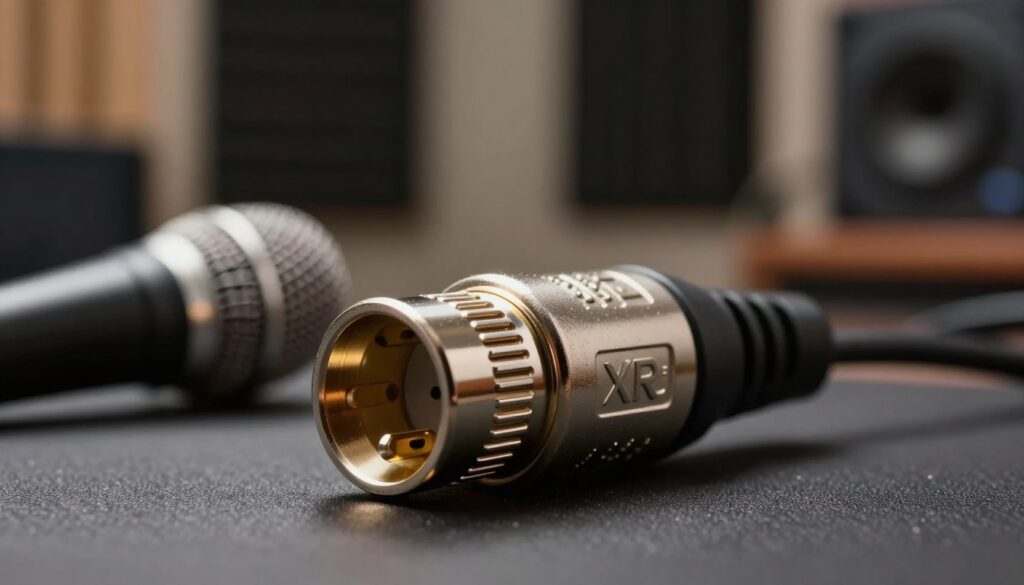
Many professional condenser shotguns accept 48-volt phantom power through an XLR cable, but not every XLR microphone requires it. Some models can use an internal battery. The Sennheiser MKE 600, for example, can operate from P48 phantom power or an AA battery.
Compact 3.5mm microphones may be self-powered or may rely on low-voltage plug-in power from the camera. Plug-in power is not the same as phantom power. Always check both the microphone manual and the input specification before connecting equipment. Our guide to 48V phantom power explains the distinction in more detail.
Using Adapters Without Creating New Problems
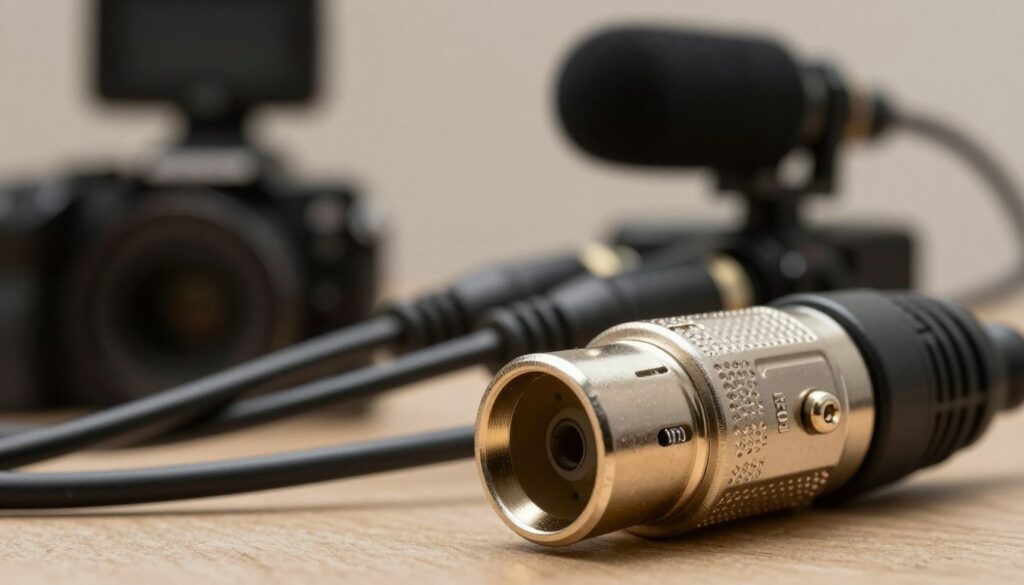
An adapter can make two connectors physically compatible without making their electrical requirements compatible. A basic XLR-to-3.5mm cable may not provide phantom power, convert signal level, or create a balanced connection.
Some active adapters provide preamps, level controls, phantom power, or multiple XLR inputs. Transformer-equipped products can also convert an unbalanced output into a balanced signal for the remaining cable run. These solutions can be useful, but they add cost, weight, mounting requirements, and another stage that must be configured correctly.
Which One Should You Buy?
Choose a 3.5mm Shotgun Mic If:
- You want the smallest possible camera rig.
- The microphone will connect through a short cable directly to the camera.
- You normally work alone and need a fast setup.
- Your camera has a suitable microphone input but no XLR interface.
Choose an XLR Shotgun Mic If:
- You use a field recorder, mixer, cinema camera, or XLR adapter.
- You plan to place the microphone on a boom pole away from the camera.
- You need longer cable runs or a connector that latches.
- You expect to add more microphones or route audio through a production sound system.
If the microphone will remain on the camera, remember that distance is still the main obstacle. A boom can place either type of microphone closer to the speaker. See our comparison of boom-pole and on-camera mounting before choosing solely by connector.
Get the Signal Path Right
Whichever format you choose, confirm whether the output and input are set for mic level or line level. Set gain while the speaker performs at a realistic volume, monitor with headphones when possible, and leave enough margin for louder moments. The guide to setting gain and preventing clipping covers this process step by step.
If a recording has hiss, replacing the connector may not solve it. The cause could be low microphone output, excessive camera gain, a noisy preamp, radio-frequency interference, or incorrect wiring. Work through the full signal path rather than assuming every noise problem comes from the cable.
Conclusion
A 3.5mm shotgun microphone is usually the better fit for a light, direct-to-camera setup. XLR is the stronger choice for boom operation, long cables, external recorders, and systems that need professional power and level controls.
Neither format guarantees good dialogue. Choose the connection that matches your equipment, then focus on placement, gain, monitoring, and protection from wind and handling noise.
FAQ
Does XLR always sound better than 3.5mm?
No. XLR supports balanced connections and is useful for longer cable runs, but the microphone, input electronics, placement, and gain settings determine the final result. Over a short on-camera cable, a suitable 3.5mm microphone can work very well.
Can I connect an XLR shotgun mic to a mirrorless camera?
Yes, if you use a compatible adapter, interface, recorder, or correctly wired cable. Check whether the microphone requires phantom power and whether the camera expects mic- or line-level input.
Does every XLR shotgun microphone need 48V phantom power?
No. Some require phantom power, while others can run from batteries or accept more than one power method. Follow the microphone manufacturer’s specification.
Will a simple adapter make a 3.5mm microphone balanced?
Usually not. A passive connector adapter normally changes only the plug format. Proper balancing may require a transformer or active electronics designed for that purpose.
Are all 3.5mm microphone plugs compatible?
No. Cameras commonly use TRS connections, while phones and tablets may use TRRS or a digital port. Wiring standards and power requirements must match.
Is XLR necessary for YouTube videos?
Not necessarily. A compact 3.5mm setup is often enough for direct-to-camera recording. XLR becomes more valuable when using a boom, longer cables, an external recorder, or several microphones.
What matters more: the connector or microphone placement?
Placement usually has the greater effect on dialogue clarity. A microphone close to the speaker captures more direct voice and less room sound than the same microphone mounted several feet away.
Sources and further reading

The FieldMic Pro Editorial Team creates practical, research-based guides about microphones, recording techniques, audio equipment, and sound troubleshooting. Our articles are reviewed using official documentation, technical references, and clearly identified sources.